This page does not host the brand and does not list mirror domains; it explains how to find and check the address yourself. The service operates from abroad and has no local permission in Turkey, so the domain is sometimes blocked for visitors there and the brand publishes a new one. Please note that access to the site may be restricted in your country. Players must be 18 or older; gambling can be addictive, and if you feel you are losing control you can call the National Gambling Helpline on 0808 8020 133 or visit GambleAware. The aim here is simple: help you reach the real site and avoid copies.
- Coinbar Address Changes: What to Know
- What to Do When the Address Changes (Step by Step)
- Official Telegram and Social Announcements
- Why the Coinbar Address Changes
- Your Account and Balance After an Address Change
- Fixing DNS and Connection Problems
- Saving and Tracking the New Address
- How to Spot a Fake or Cloned Site
- Safe Ways to Verify the Current Address
- Reaching the Current Address on Mobile
- FAQ
Coinbar Address Changes: What to Know

Searching for the Coinbar current address is the most common first step for returning players. The reason is practical. A blocked domain stops loading, and the brand answers by moving the same site to another domain. The site content, your account and your balance do not move with it, because they are stored on the brand's side and tied to your account ID.
Normal coinbar access depends on a chain of small things, and any link in it can fail. For that reason a bookmark is only a convenience, never a guarantee. Treat the address as a changing label and the announcement channel as the stable source. If you remember one rule from this page, let it be this: take the address from the brand's own channel, type it by hand and never from a link sent by a stranger.
Normal access can break for several reasons: a domain block, a DNS fault, a network filter at your provider or a temporary fault at the brand. The next sections show how to tell them apart. We do not promise that any address works permanently, and nothing on this page can guarantee continued availability.
What to Do When the Address Changes (Step by Step)
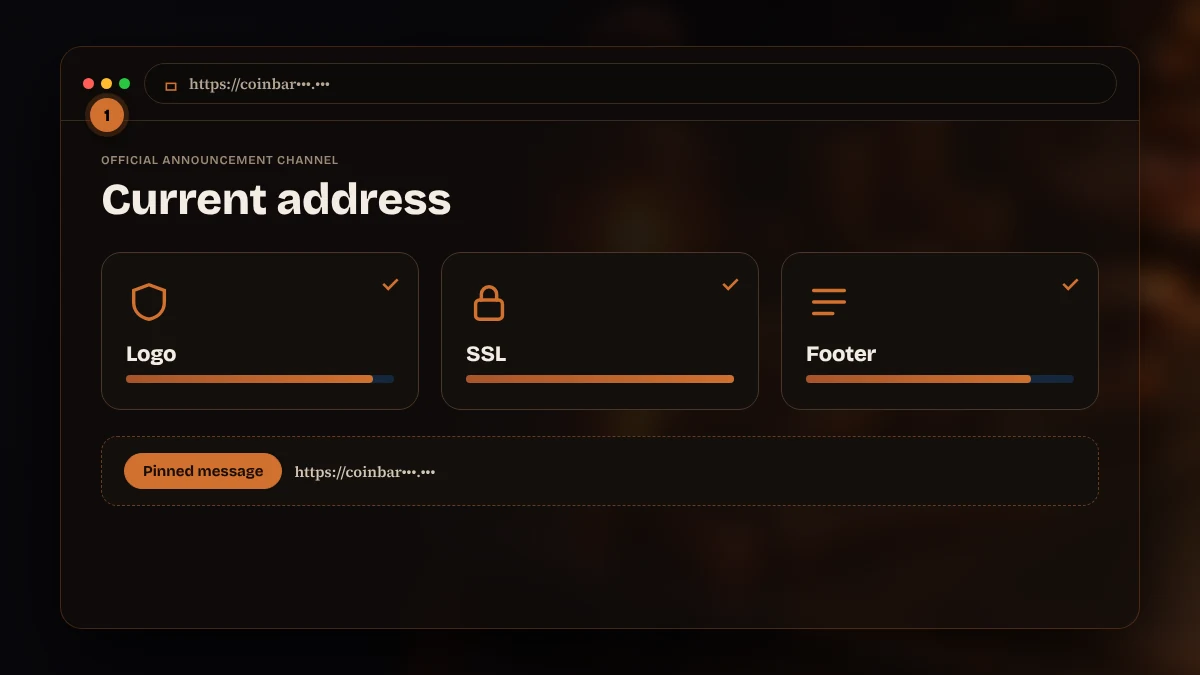
The routine takes about two minutes once you know it. Follow the order below and do not skip the verification step, because that is where most players lose accounts.
- Open the official Coinbar Telegram or social media channel.
- Check the most recent access address posted there.
- Type the address into your browser by hand; do not trust sponsored links in search results.
- Verify the logo, the footer details and the SSL certificate on the page.
- Once you are in, save the new address to your bookmarks.
Looking for a coinbar working link in a search engine is the riskiest shortcut. Advertisements and unknown blogs often put copies at the top, and the copy can look identical for the first screen. Stay with the channel route. If you also want to try coinbar sports betting after you are in, finish the check first and play second.
| Step | Why it matters |
|---|---|
| Channel first | The brand controls the post |
| Type by hand | Removes hidden redirects |
| Check footer | Copies often skip details |
| Bookmark | Saves the next search |
Official Telegram and Social Announcements
The brand publishes address updates on its Telegram channel and on X. Open the profile from the link in the footer of a site you already trust, not from a search result, and look at the account's age, its follower count and the pinned post. A genuine channel has a long history of posts; a fresh one with a copied logo is a warning.
Each announcement normally contains the new domain and a short note. It does not contain a request for your password, your code or a payment. If a message gives the Coinbar new address and in the same breath offers a bonus that needs a login on another page, treat it as a trap. Turn on notifications for the real channel so that you see a change the moment it happens.
Do not join private groups that promise early access to the next domain or a seat at a coinbar live dealer table. Support staff do not write first and do not ask for money, and anyone doing so is not the brand. Check the handle letter by letter, because look-alike names with one extra character are common.
For slot fans the channel also posts new releases, and people who follow coinbar slots news there sometimes mistake those posts for address notices. Read the whole text before you click anything.
Why the Coinbar Address Changes

Gambling in Turkey is reserved for state bodies, and the national authority can order providers to block foreign sites. When a block lands, the brand registers a fresh domain and publishes it. Visitors then say that coinbar site down is the problem, when in fact only one domain has been blocked and the service is running elsewhere.
There are three practical consequences. Old links stop working. Search results can lag behind and still list the blocked domain. Opportunists copy the brand's pages onto new domains and wait for confused visitors. All three are reasons to use the channel and not a search box.
It is also fair to say what this means for you as a player. A service that is reachable only through changing addresses comes with no local complaint route, and the brand can change its terms between visits. Read the current terms each time and never keep large balances on any platform. Players who follow coinbar odds on several sites should know that prices and limits differ by domain and by period.
Your Account and Balance After an Address Change
A change of domain does not reset anything. You sign in with the same e-mail and password, your balance is unchanged, open bets continue and bonus progress stays linked to the account. If the new domain shows an empty account, close the page, because you may be on a copy.
Check the transaction history on the first visit after a change. Look at the last deposit, the last withdrawal and the bonus status, and compare them with your own notes. If something is missing, take a screenshot and contact live chat from the verified site, not from a link in a message.
Two-step verification keeps working across domains, so a confirmation prompt that does not appear is another hint that the page is not genuine. Keep recovery details offline and never re-enter them on a site that you reached through a message.
Open coinbar sports betting slips are not cancelled by a block either. Pending withdrawals are not cancelled by a block. They are processed on the brand's side and arrive in the same way as before, although times can be longer during busy periods. Do not repeat a withdrawal request because the page was unavailable; check the history first to avoid duplicates.
Fixing DNS and Connection Problems
Not every failure is a block. Before you decide that the domain is gone, try the quick tests. Open another site to confirm that your connection works. Reload the page without cache. Switch from Wi-Fi to mobile data, or the other way round. If one network opens it and the other does not, the filter sits in the network, not in the brand.
| Symptom | Possible cause | Quick test |
|---|---|---|
| Time-out | Network filter | Change network |
| Name not found | DNS cache or block | Flush DNS, try another resolver |
| Certificate warning | Copy site or wrong clock | Check date, close page if it stays |
| Blank page | Browser cache | Private window |
If coinbar access works on one network and fails on another, the filter is local. Changing the DNS resolver in your device settings sometimes restores a page, though it does not help when the block is applied at the address itself. A VPN may also open the page, but check the rules that apply to you, and do not use free VPN apps that read traffic. If you are unsure, stop and ask support through the verified channel.
Keep a note of what you tried and when. When you contact support, the note shortens the conversation, and you avoid repeating the same test several times.
Saving and Tracking the New Address
Once you reach the coinbar current address and confirm it, save it. Use the browser bookmark and name it with the date, for example the month you checked it. Remove the old bookmark so you do not click it by habit. Add the home screen shortcut on your phone if you use one, and delete the previous shortcut.
A password manager can store the address together with your sign-in details, and it warns you when the domain does not match, which is a useful protection against clones. If you use more than one device, repeat the step on each one. Never replace a verified bookmark with a link from a forum.
A coinbar working link that someone sends you in a message is not proof of anything. A coinbar alternative link that someone sends you in a message should never replace your saved address. Compare it with the pinned post first. If it matches, nothing changes; if it differs, ignore it. Review the saved address once a month and after any announcement.
Write the date of every change in a small note. Over a few months the note shows how often the domain moves, which helps you decide how often to check the channel.
How to Spot a Fake or Cloned Site

A clone copies the look of the brand and tries to collect your sign-in details, card data or wallet keys. The tells are small. The domain contains an extra word, a hyphen or a different ending. The padlock is missing or the certificate belongs to another name. The footer is empty or has a mismatched operator. Pages load but every button leads to the same form.
Be wary of fake support. A page with a pop-up chat that asks for your password, a seed phrase or a remote-control app is not support. Genuine staff never need these. Do not send crypto to an address given in a chat window; payment addresses are shown only inside your account cashier.
If you entered details on a suspicious page, act fast. A message that says coinbar site down and asks you to log in elsewhere is a classic trick. Change your password on the real site, change it everywhere you reused it, switch on two-step verification, and tell support. If you sent crypto, note the transaction ID and save the evidence. Recovery of sent coins is rarely possible, which is why prevention matters more.
A final habit: never click a link in a message about a coinbar live dealer promotion. If you want a table, open the saved address and go there yourself. This one rule stops a large share of attacks.
Safe Ways to Verify the Current Address
Use at least two independent checks before you trust an address. First, compare the domain with the pinned post on the verified channel. Second, open the footer and read the operator details and the support e-mail. Third, look at the padlock and view the certificate. When all three agree, the page is very likely the real one.
A short checklist helps: channel match, hand-typed address, valid padlock, correct footer, no request for secrets. Print it or keep it in your notes. Share it with family members who also play, since one careless click can expose a shared device.
You can also ask live chat from a page you already trust to confirm a domain. The answer should arrive inside the chat window, not through a message from a new number. If support cannot confirm it, do not proceed.
Players who want coinbar slots or tables should open the saved address and navigate from there. Avoid price comparisons based on screenshots from forums; they can be edited. Use the page itself, and check coinbar odds only inside your own account. When someone claims to have a coinbar new address with a special bonus, ask where it was posted. If the answer is not the pinned channel, drop it.
Reaching the Current Address on Mobile
On a phone, the same rules apply with two extra points. First, mobile browsers hide most of the address, so tap the bar and read the full domain before you type anything. Second, a home screen shortcut points to one domain only; when the address changes, delete the shortcut and create a new one from the verified page.
If you use the Android APK, take it only from the brand's announcement channel and compare the file name and size with the post. Switch off the permission for unknown sources afterwards. On iPhone there is no APK, and the Safari shortcut is enough. Details are on the mobile page, and the sign-in steps are on the login page.
Streams from a live table need a stable connection, and a weak mobile signal often looks like a block when it is not. Mobile networks sometimes apply their own filters. If the page opens on home Wi-Fi but not on mobile data, the cause is the network and not the brand. Try again later or from a different connection, and do not install apps that promise to unblock sites, because many of them are malware, and never accept a coinbar alternative link offered by one of them.
FAQ
Where can I find the current Coinbar address?
Open the brand's verified Telegram or X channel and read the newest pinned post. Copy only the domain name and type it into your browser by hand. Do not trust sponsored search results or links from private messages, and check the padlock and footer details before you sign in.
Why does the Coinbar address change?
The domain can be blocked for visitors in Turkey, where gambling is reserved for state bodies. When that happens the brand publishes the same site under a new domain. The change affects only the address; the account and balance stay on the brand's side and continue as before.
What happens to my account and balance after a change?
Nothing is reset. You sign in with the same e-mail and password, and your balance, open bets and bonus progress remain linked to your account ID. If the new page shows an empty account, close it at once because it may be a copy of the site.
How do I spot a fake Coinbar site?
Check the domain against the pinned announcement, look for the padlock, read the footer and be suspicious of any page that asks for a seed phrase, card photo or remote-control app. If you entered details by mistake, change your password and tell support immediately.
The safest habit is short: channel, hand-typed address, padlock, footer. Repeat it every time the domain changes, keep your balance modest and play only with money you can afford to lose.
Some links on these pages are partner links and may earn us a fee; scores are set by the method page, not by the fee.